
Discord MCP
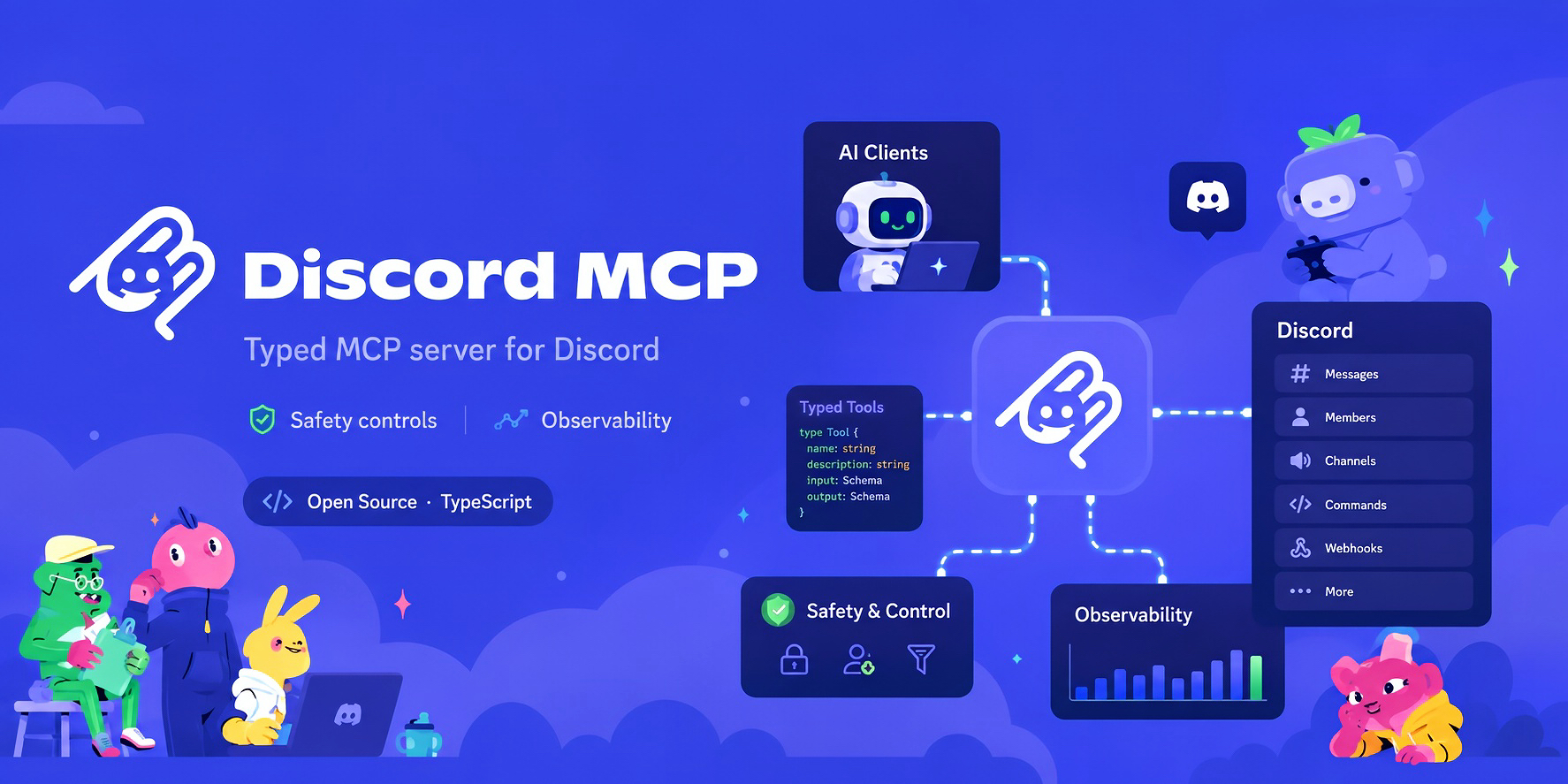
An open-source Model Context Protocol (MCP) server for Discord. Connect Claude, Codex, Cursor, and other MCP-compatible AI clients to your own Discord bot. Manage messages, channels, roles, moderation, and server setup through 222 typed tools.






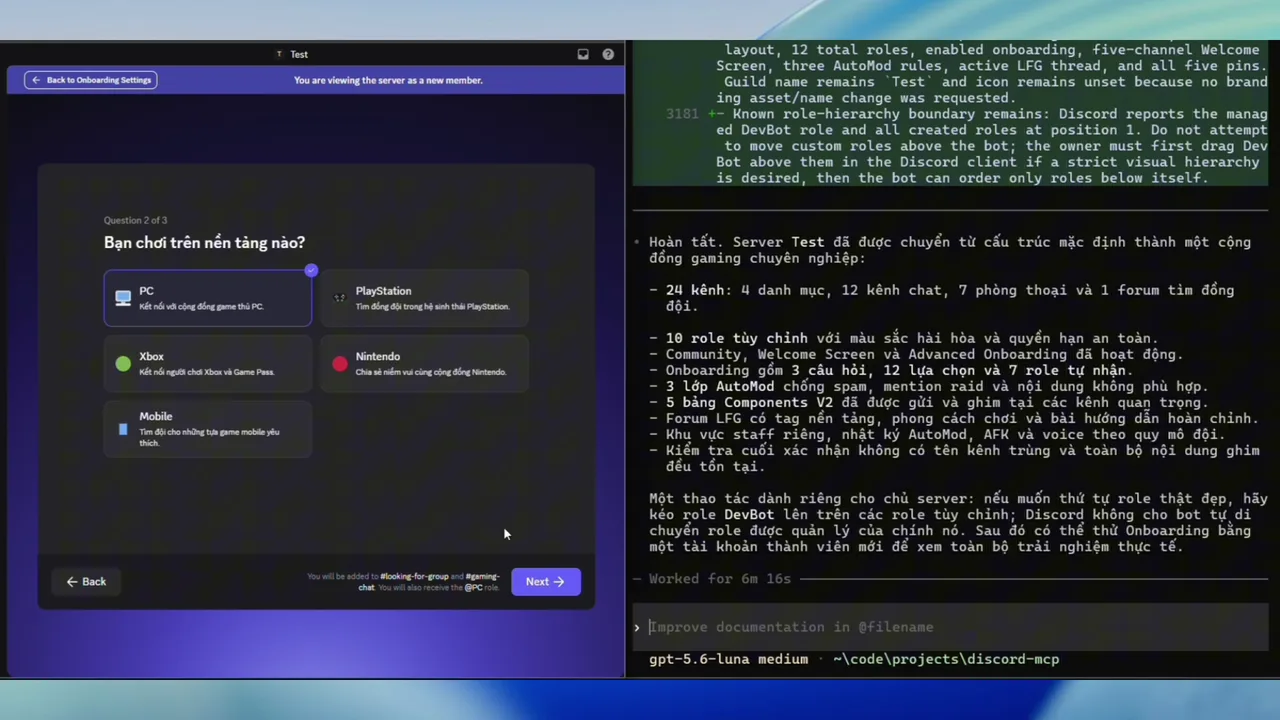
Watch an AI agent build a gaming community: channels, roles, onboarding, AutoMod, and final verification. Play the 87-second video · Download MP4.

| You want to… | Discord MCP provides |
|---|---|
| Run a community | Messages, threads, forums, roles, events, polls, and onboarding |
| Moderate a server | Permission checks, role audits, bans, and AutoMod |
| Build a server from a prompt | A blueprint to preview and approve, resumable execution, and final Discord readback |
| Extend your bot | Slash commands, interactions, webhooks, and application emojis |
| Improve an existing server | Preview bounded edits, inspect member access, preserve IDs, resume, and restore selected configuration changes |
| Read a conversation with sources | Gather bounded channel/thread history and replies with Discord citations and explicit coverage |
| Run a background workflow | Start a durable sequence, inspect progress, cancel cooperatively, and resume after reviewing checkpoints |
For a complete server build, Get a verified result: review the plan, approve it, then inspect Activity Evidence from the final readback.

Requires Node.js 22.12+ and your own Discord bot installed in a server you control. Works on Windows, macOS, and Linux.
npm install -g @discord-mcp/cli
Set the bot token in your terminal:
# macOS / Linux
export DISCORD_TOKEN="Bot YOUR_DISCORD_BOT_TOKEN"
# Windows PowerShell
$env:DISCORD_TOKEN = "Bot YOUR_DISCORD_BOT_TOKEN"
Generate a client configuration and verify the connection (Codex example):
discord-mcp setup --profile devbot --client codex
discord-mcp doctor --profile devbot --online
discord-mcp smoke --profile devbot
setup verifies your bot, selects a server boundary, and saves a non-secret profile. Apply the generated configuration to your AI client; setup does not edit it for you. Launch the client with DISCORD_TOKEN available in its environment. The smoke check above does not change Discord.
See client setup for Claude, Codex, Cursor, VS Code/GitHub Copilot, Windsurf, Cline, Roo Code, Continue, Zed, OpenCode, Devin Local, and other clients, plus desktop-app token setup. New to MCP? Get started with the complete tutorial.

- Your bot, your permissions. Guild and tool-category allowlists constrain access. Keep bot tokens out of client config files and source control.
- Preview first. Guided
setupdefaults toMCP_WRITE_MODE=preview, which blocks all mutations. Directservedefaults to allowing ordinary writes;MCP_DRY_RUNcovers only confirmation-gated destructive tools. See safety controls before enabling writes. - Local by default. Run over stdio, or self-host a bearer-protected Streamable HTTP endpoint behind HTTPS. See remote MCP setup.
- Optional DM and mention events. From v0.33.0, deliver authorized text messages to an MCP Events subscriber, with durable delivery and event-bound replies. The separate worker supports Linux/macOS. See message Events.

| Next step | Guide |
|---|---|
| Find a tool or workflow | Tool reference · Recipes |
| Configure and operate | Configuration · CLI commands |
| Build or migrate a server | Blueprint workflow · Migration guides |
| Improve an existing server | Change plans and member access |
| Read conversations or run background work | Cited context · Durable workflows |
| Build an integration | Architecture · @discord-mcp/core |
Inspect the tool catalog without a bot token
discord-mcp catalog --check
discord-mcp catalog --check --json
Validates the real local MCP catalog with no token, no Discord or other network request, and no Discord write. This is not Activity Evidence and does not verify a live connection. Continue with setup to use your bot. See the catalog contract for JSON output. The Docker image defaults to catalog-only mode; bot operations require serve and your own credentials.

Pre-1.0. Check releases and v1.0 readiness for current stability commitments.
Ask questions in Discussions, share a voluntary outcome report, or follow the external documentation review and submit feedback. Never include a bot token, client configuration, private Discord data, or unredacted logs. Report vulnerabilities privately.
To develop the full workspace locally, use Node.js 24 and run pnpm install, pnpm build, then pnpm test. See Contributing; use MCP Inspector to inspect tool discovery.
Licensed under Apache-2.0. Earlier releases retain their included licenses. The Acceptable Use Policy governs community participation and support without changing the software license.