
VMware-AIops
Turn VM lifecycle requests into explicit, auditable operations for vCenter and ESXi.
English · 简体中文
Community-maintained · MIT · Not an official VMware/Broadcom product.
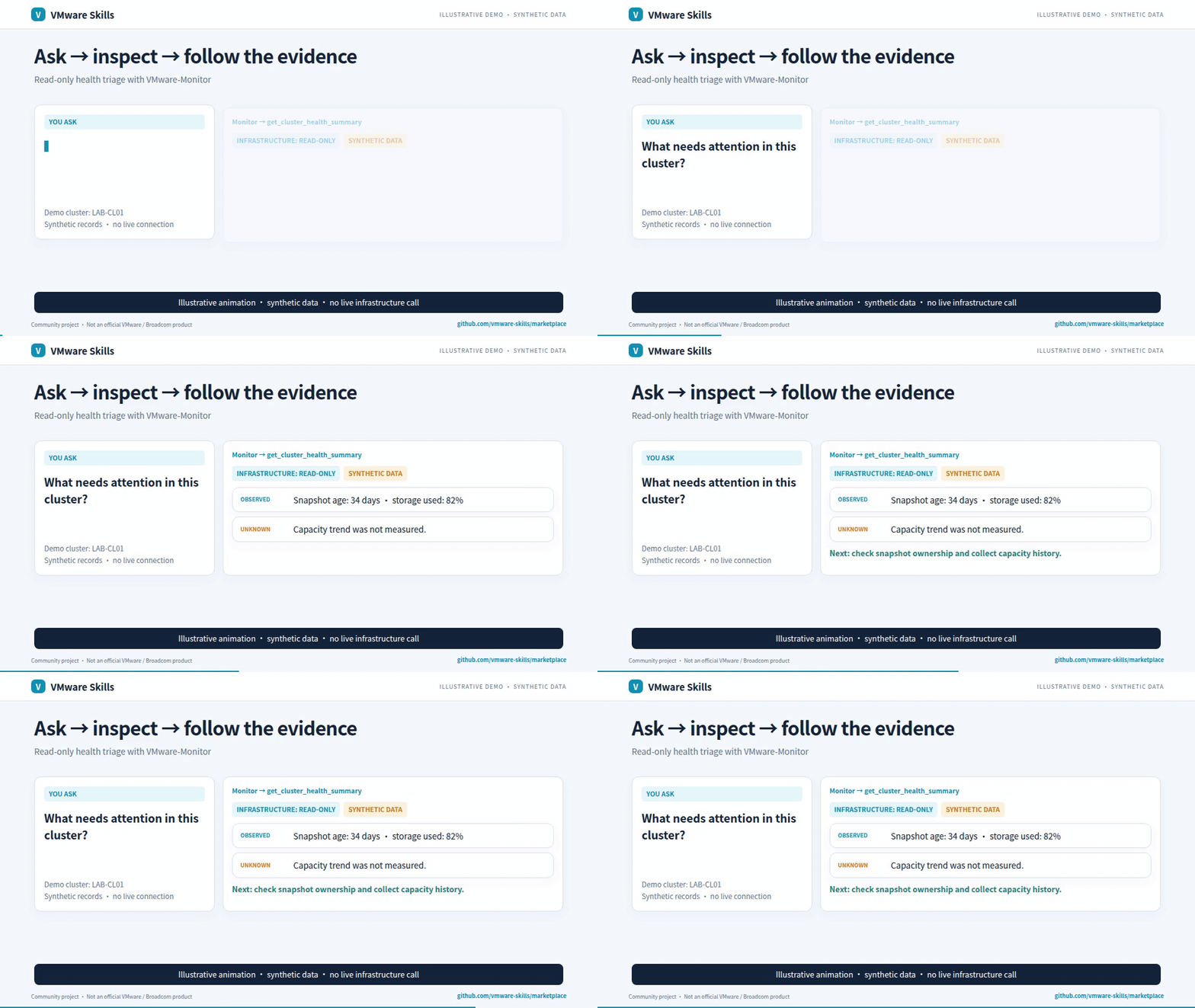
Synthetic-data GIF; video includes redacted historical screenshots. Download the AI-narrated family introduction (~3 min)
Why use it?
- Deploy and manage VMs, snapshots and guest tasks.
- Preview destructive actions and inspect task results.
- Use dedicated companion modules for focused investigations.
Get started
Install the published CLI and inspect its commands:
uv tool install vmware-aiops==2.5.3
vmware-aiops --help
Requires uv and Python >=3.10. Configure targets and credentials locally before remote queries. Setup guide.
One-click installs, after init: Claude Desktop extension (.mcpb), which offers read-only tools until you change its setting · Install in VS Code. Both run the pinned 2.5.3 server and read the configuration init wrote.
For agent-host installation, use the setup guide and Cursor, Codex, Gemini CLI, Cline and local-model examples.
Choose a model with the shared model-fit workflow: compare the same tasks, review quality and safety, then select the smallest tested passing configuration per task group; this is not a production guarantee.
Know the boundaries
Includes sensitive infrastructure writes, guest execution and file transfers. Account permissions, local Policy and host-path boundaries apply; confirmation is not independent human approval.
Go deeper
- Capabilities
- CLI reference
- Agent guardrails
- Detailed usage and architecture
- MCP launch configuration
- Canonical skill instructions
Part of VMware Skills: 15 skills, 14 MCP servers and one shared Policy library. If it helps your work, star the family portal.
Share setup progress or a first result · Using it at your organization? · Report a bug · MIT
MCP result contract
Offset-capable listings expose next_offset; stop when it is null rather than looping on truncated. Failed calls provide structuredContent.vmware_error through Policy 1.26.0. Existing text, legacy flags, success values and confirmation checks remain unchanged. See the contract.


