VMware-Pilot
Coordinate multi-step VMware work without hiding the execution state.
English · 简体中文
Community-maintained · MIT · Not an official VMware/Broadcom product.
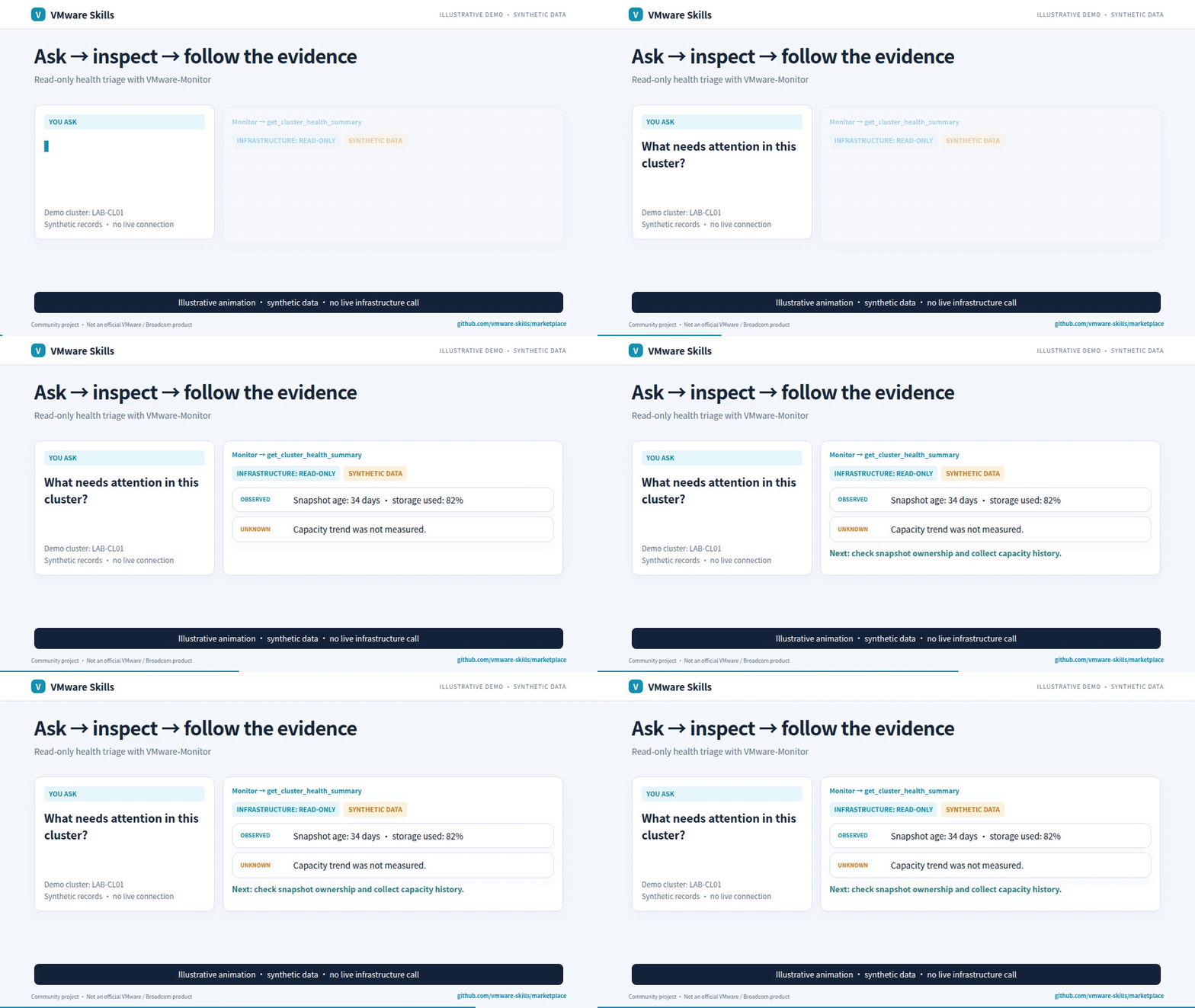
Synthetic-data GIF; video includes redacted historical screenshots. Download the AI-narrated family introduction (~3 min)
Why use it?
- Build workflows from templates or explicit definitions.
- Track checkpoints, step results and resumable state.
- Delegate focused operations to companion MCP servers.
Get started
Install the published CLI and inspect its commands:
uv tool install vmware-pilot==2.5.1
vmware-pilot --help
Requires uv and Python >=3.10. Configure targets and credentials locally before remote queries. Setup guide.
One-click installs, after local setup: Claude Desktop extension (.mcpb) · Install in VS Code. Both run the same pinned 2.5.1 server. The desktop extension starts with read-only tools; change Tools to offer to all for writes.
For agent-host installation, use the setup guide and Cursor, Codex, Gemini CLI, Cline and local-model examples.
Choose a model with the shared model-fit workflow: compare the same tasks, review quality and safety, then select the smallest tested passing configuration per task group; this is not a production guarantee.
Know the boundaries
Needs the companion MCP executables used by a workflow. Confirmation steps are caller-controlled, not independent human approval. Rollback is best effort.
Go deeper
- Capabilities
- CLI reference
- Agent guardrails
- Detailed usage and architecture
- MCP launch configuration
- Canonical skill instructions
Part of VMware Skills: 15 skills, 14 MCP servers and one shared Policy library. If it helps your work, star the family portal.


