
Research Papers MCP server - credit - deeplearning.ai
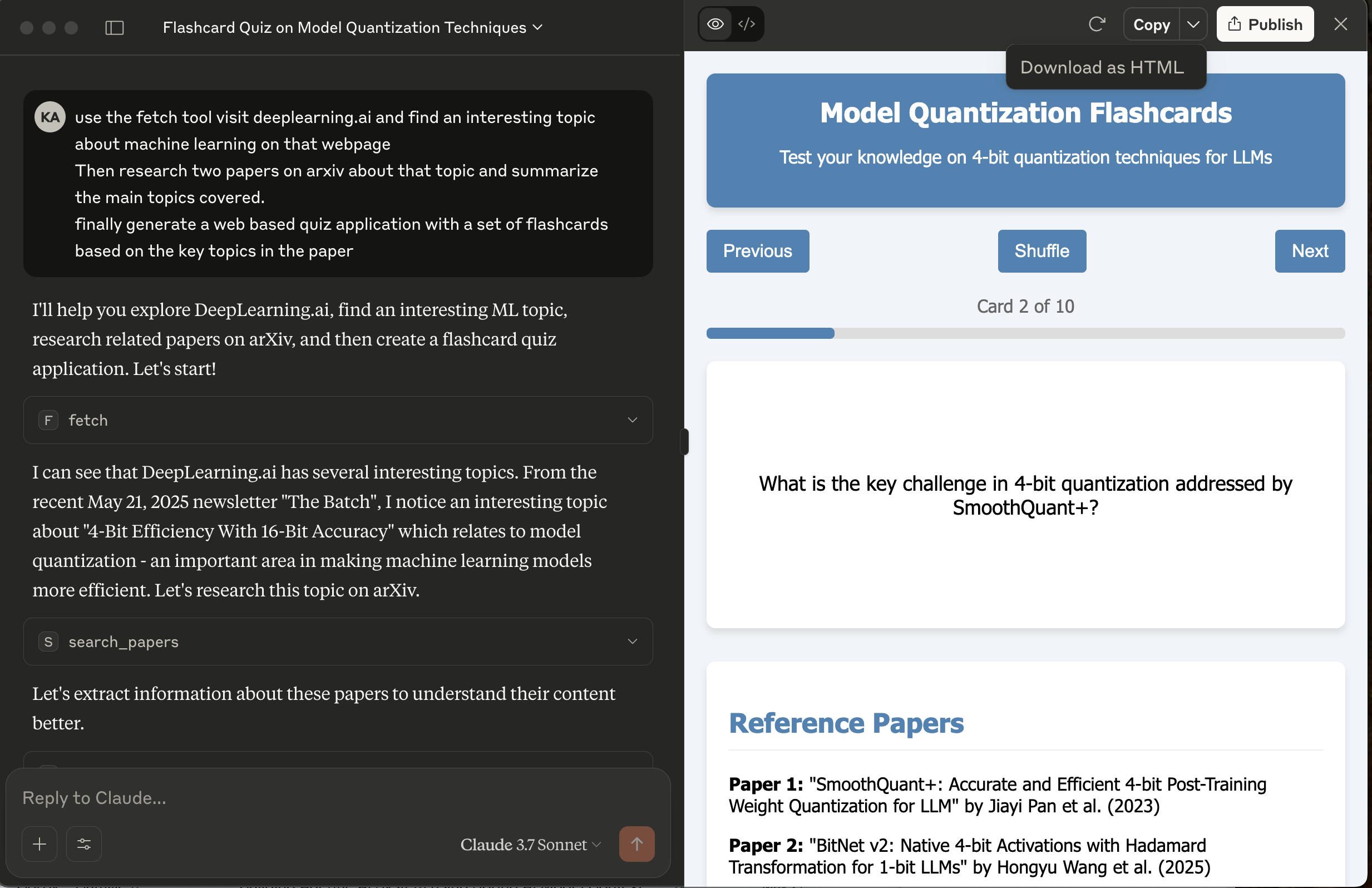
MCP server uses arXiv, a free and open-access repository for scholarly articles, primarily in physics, mathematics, computer science, and related fields to find research papers based on the topic.
It also provides following capabilities.
- search_papers - Search for papers on arXiv based on a topic
- extract_info - Get detailed information about a specific arXiv paper
Prerequisites
- uv package manager
- Python
Running locally
- Clone the project, navigate to the project directory and initiate it with uv:
uv init
- Create virtual environment and activate it:
    uv venv
    source .venv/bin/activate
- Install dependencies:
uv add mcp arxiv
Configuration for Claude Desktop
You will need to supply a configuration for the server for your MCP Client. Here's what the configuration looks like for claude_desktop_config.json:
{
    "mcpServers": {

        "filesystem": {
            "command": "npx",
            "args": [
                "-y",
                "@modelcontextprotocol/server-filesystem",
                "/{your-project-path}/research-papers-mcp/"
            ]
        },

        "research": {
            "command": "/{your-uv-install-path}/uv",
            "args": [
              "--directory",
              "/{your-project-path}/research-papers-mcp/",
              "run",
              "research_server.py"]
        },

        "fetch": {
            "command": "uvx",
            "args": ["mcp-server-fetch"]
        }
    }
}
Deploy to Cloud Foundry
cf push -f manifest.yml
Binding to MCP Agents
Model Context Protocol (MCP) servers are lightweight programs that expose specific capabilities to AI models through a standardized interface. These servers act as bridges between LLMs and external tools, data sources, or services, allowing your AI application to perform actions like searching databases, accessing files, or calling external APIs without complex custom integrations.
Create a user-provided service that provides the URL for an existing MCP server:
cf cups research-mcp-server -p '{"mcpServiceURL":"https://your-research-mcp-server.example.com"}'
Bind the MCP service to your application:
cf bind-service ai-tool-chat research-mcp-server
Restart your application:
cf restart ai-tool-chat
Your chatbot will now register with the research MCP agent, and the LLM will be able to invoke the agent's capabilities when responding to chat requests.