
READMEmaster
We couldn't render this README. Read it on GitHub
 Gnome Shell - AI Assistant
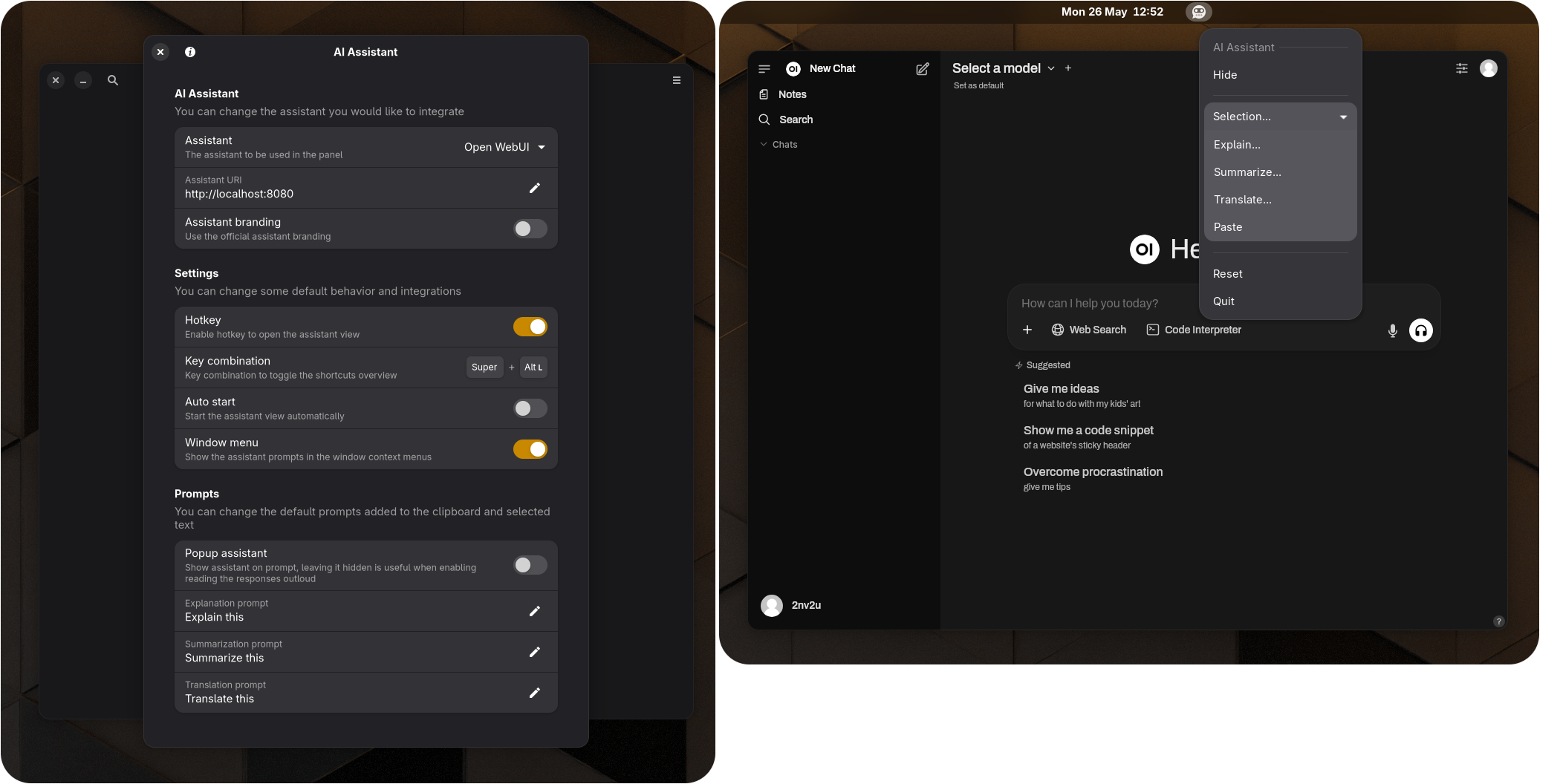
Artificial intelligence LLM chat integration and MCP server exposing the shell environment.
Featuring:
- Background webview with tootle panel button
- Selecting text allows you to send it to the LLM (No need to copy furst)
- Window context prompt options
- Panel context prompt options
Roadmap:
- Add screenshot support (paste screenshot of windows and screen to be analyzed)
- Add more LLM's
- Add MCP server for controlling the shell and provide more context for the desktop
Important Notice: Be cautious what you share with the online AI chat bots, consider running your LLM's locally using Open WebUI (https://openwebui.com/) and Ollama (https://ollama.com/).
Installation from gnome extension website
https://extensions.gnome.org/extension/8224/ai-assistant/
Manual installation
git clone https://github.com/2nv2u/gnome-shell-extension-ai-assistant.git./gnome-shell-extension-ai-assistant/install.sh- Restart shell or log out & log in
Debugging during development
clear && export G_MESSAGES_DEBUG=all && dbus-run-session -- gnome-shell --devkit --wayland | grep ai-assistant



