
READMEmain
We couldn't render this README. Read it on GitHub
📁 File Analysis MCP Project
A smart and simple tool that reads any CSV or Excel file, extracts insights, and generates a professional summary report that can be downloaded as a PDF.
This project is powered by the Euri API KEY from Euron.one, thanks to the amazing platform developed by Sudhanshu Sir.
💡 Features
- 📤 Upload
.csvor.xlsxfiles - 🔍 Automatic data analysis and insights generation
- 📊 Visualizations and charts
- 📄 Downloadable PDF summary report
- 🌐 Simple and interactive web interface using Streamlit
Demo
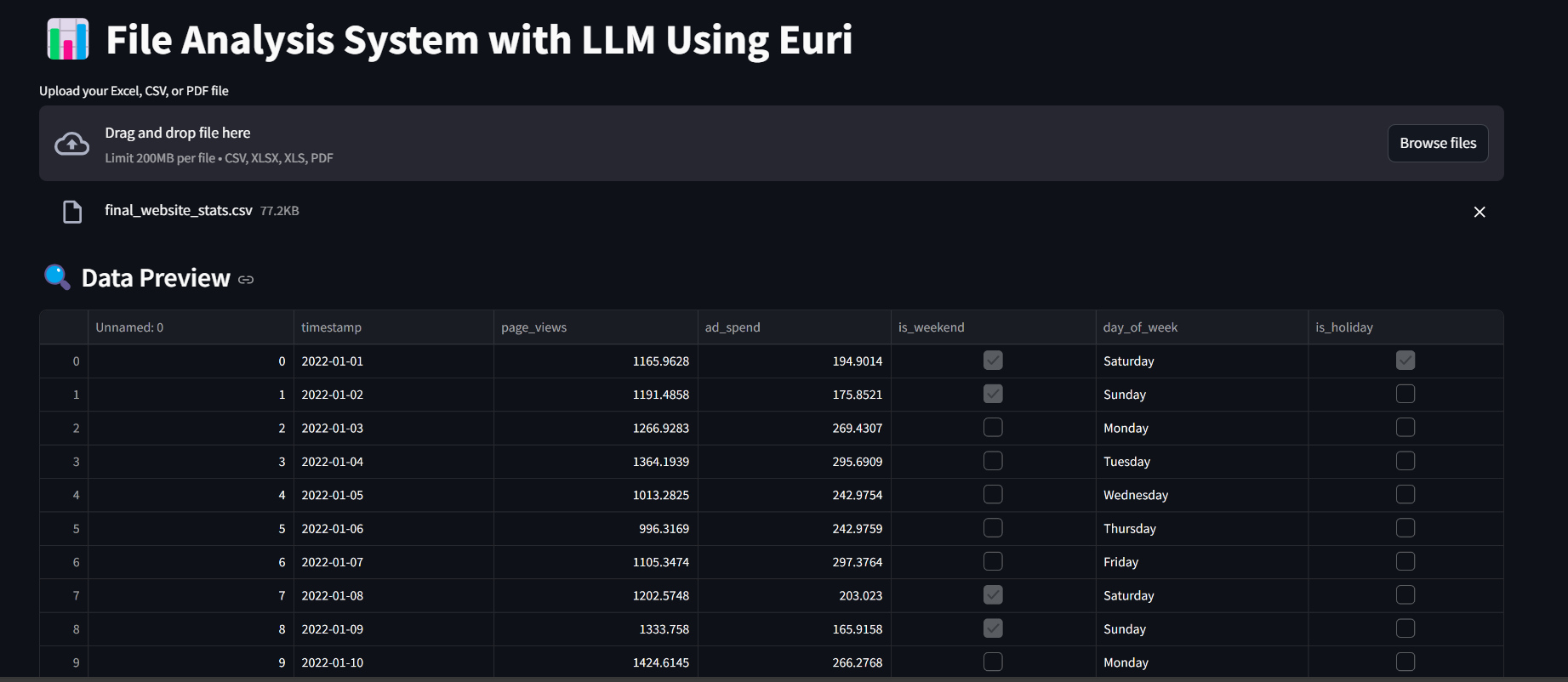
Home
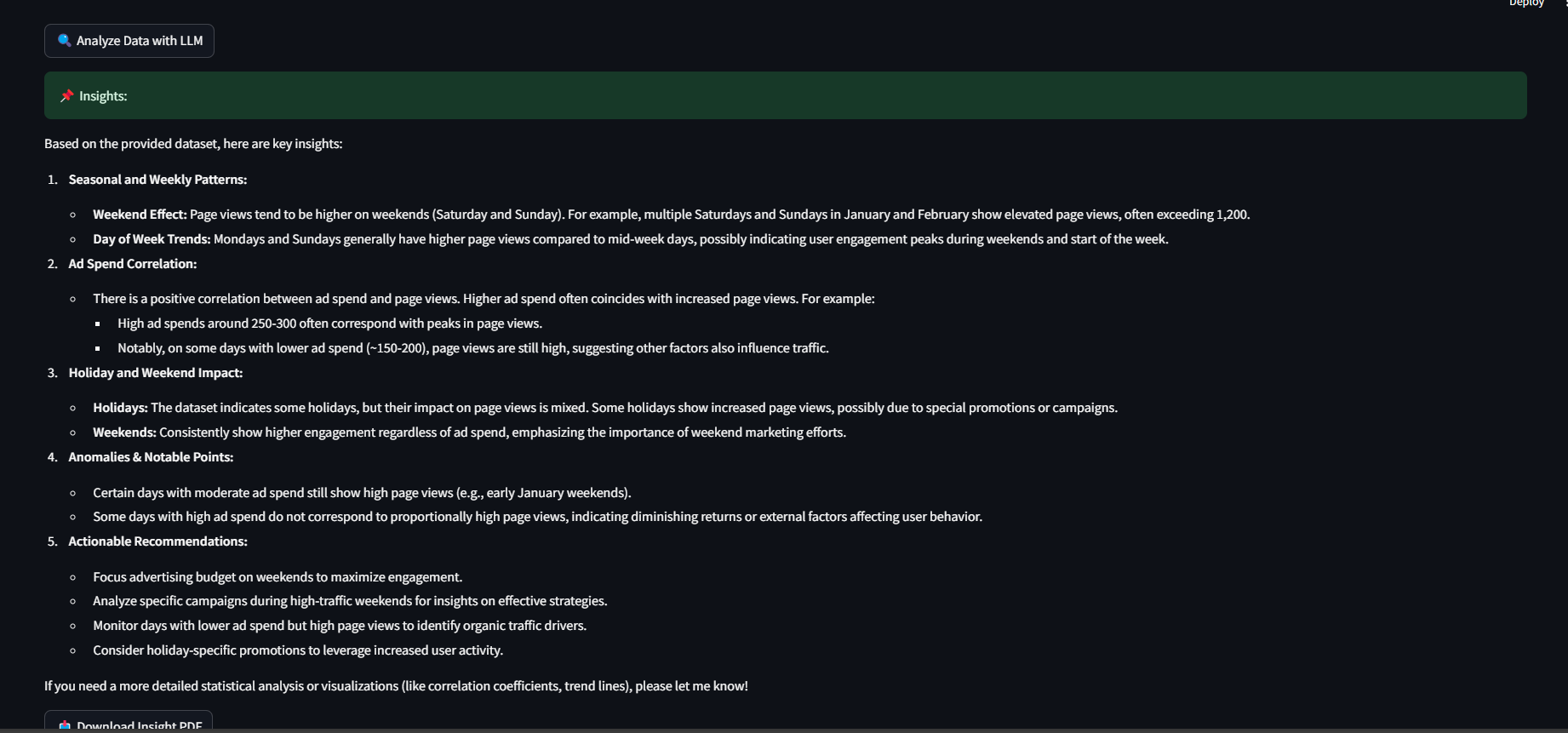
Insights
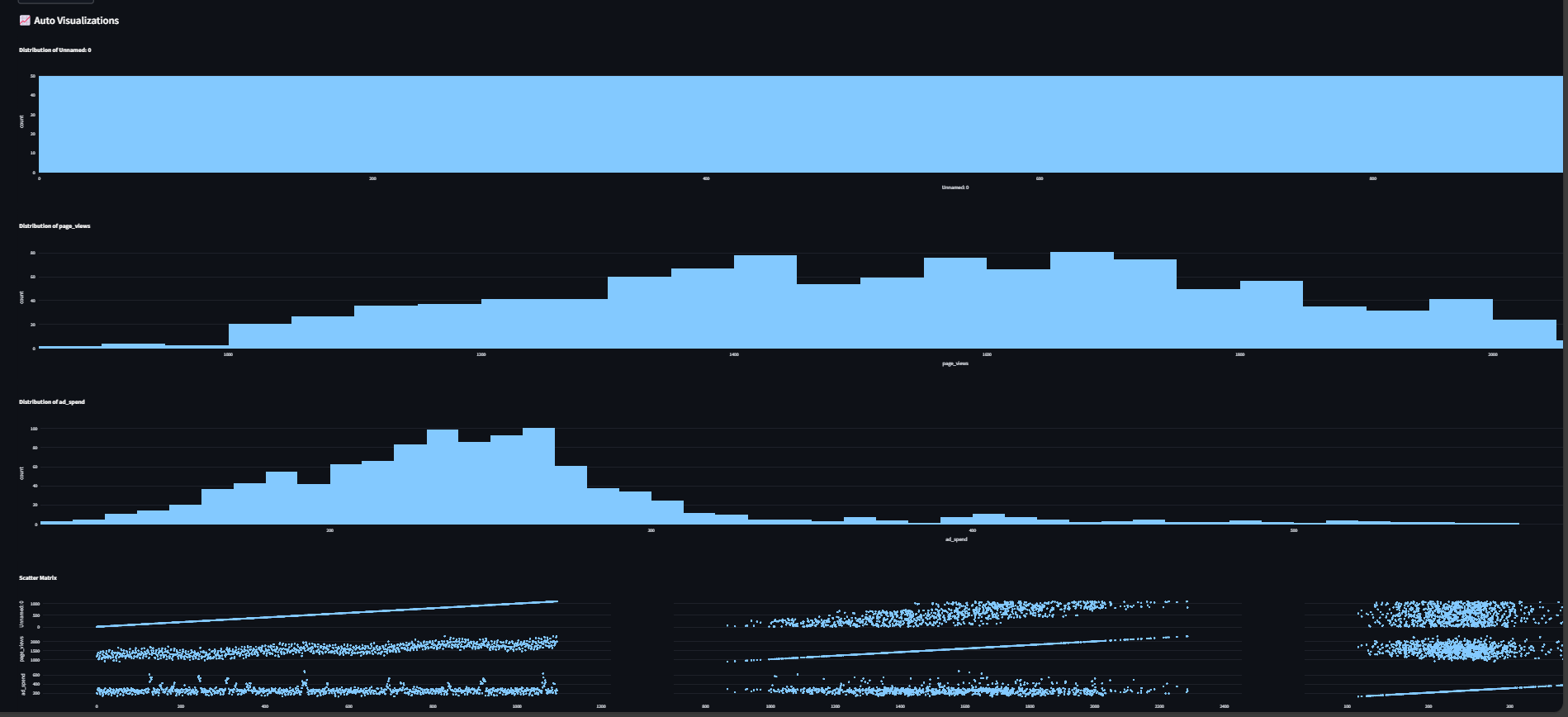
Auto Visualizations
⚙️ Getting Started
Follow these steps to set up and run the project on your local machine:
✅ Step 1: Clone the Repository
git clone https://github.com/MohammadWasiq0786/File-Analysis-MCP.git
cd file-analysis-mcp
🐍 Step 2: Create and Activate Python Virtual Environment
# Create a virtual environment named venv
python -m venv venv

# Activate it
# On Windows:
venv\Scripts\activate

# On macOS/Linux:
source venv/bin/activate
📦 Step 3: Install Required Packages
pip install -r requirements.txt
🔑 Step 4: Add Euri API Key
Get your API key from https://euron.one
Add it to your code file or manage it via .env if you prefer keeping it secure
🚀 Step 5: Run the Application
streamlit run app.py
Upload your CSV or Excel file
The tool parses the file and extracts useful insights
It generates charts, stats, and summaries
You can download the full summary as a PDF


