
Nexus MCP
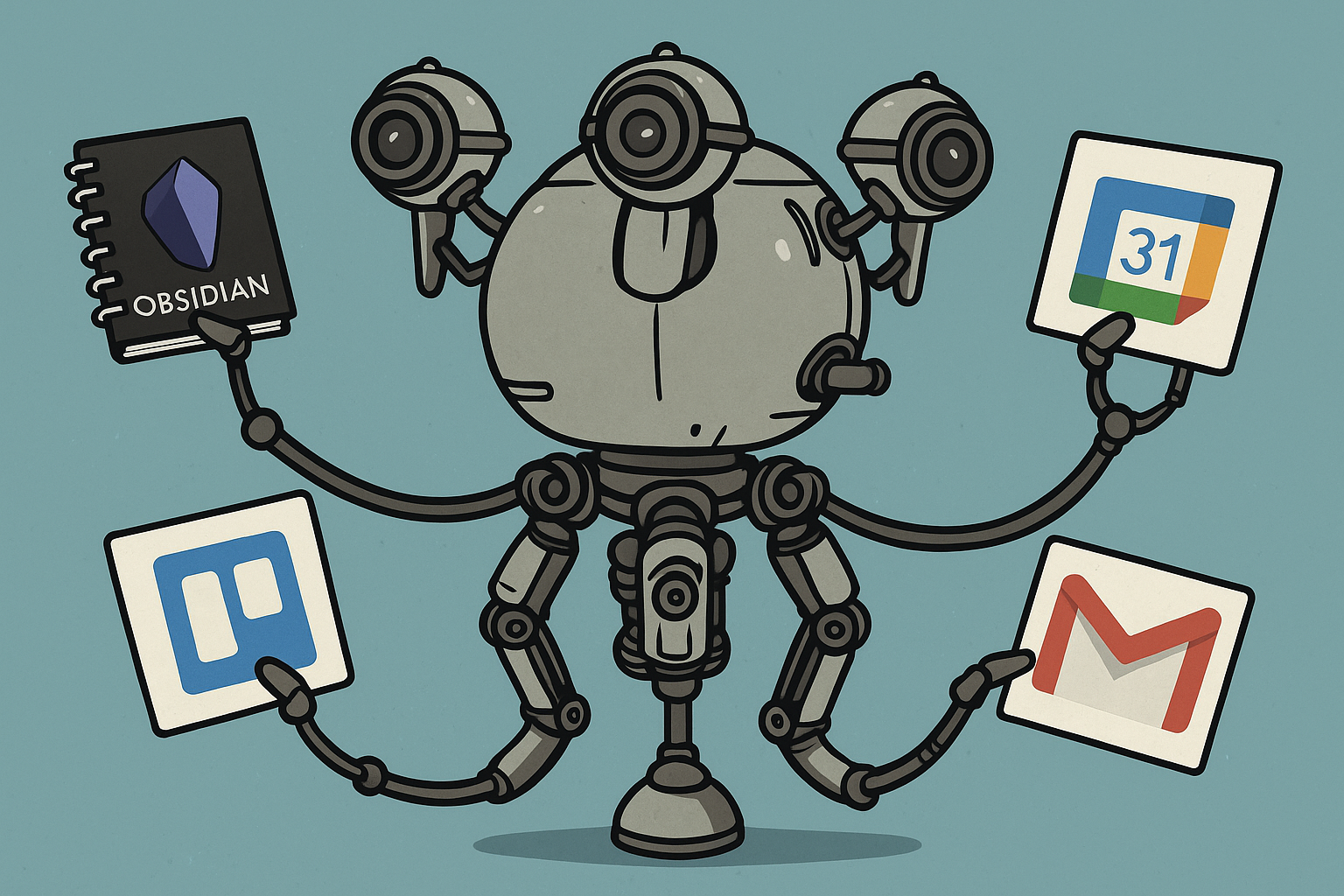
Features
-
Google Calendar Integration
- Create, read, update, and delete calendar events
- List upcoming events
-
Obsidian Vault Management
- Create, read, update, and delete notes
- Full-text search in notes
- Folder management (create, delete, search, list)
-
Trello Integration
- Board, list, and card management
- Create, update, and delete cards
- Search cards by text query
-
Web Page Parsing
- Extract and clean HTML content from any URL
-
Google News Search
- Search for recent news articles on a given topic
Prerequisites
- Python 3.10 or higher
- Poetry (Python package manager)
- Google Calendar API credentials
- Trello API credentials (if using Trello features)
- Obsidian Vault (if using Obsidian features)
Installation
-
Clone the repository:
git clone https://github.com/yourusername/nexus-mcp.git cd nexus-mcp -
Install dependencies using Poetry:
poetry install -
Set up Google Calendar API:
- Go to the Google Cloud Console
- Create a new project or select an existing one
- Enable the Google Calendar API
- Create OAuth 2.0 credentials
- Download the credentials and save them as
credentials.jsonin the project root
-
Set up Trello API (optional):
- Go to Trello Developer Portal
- Get your API key and token
- Add them to your environment variables or config file
Configuration
- Run the initial setup to authenticate with Google Calendar:
poetry run python main.py- This will open a browser window for Google authentication
- Follow the prompts to authorize the application
Usage
-
Start the server:
poetry run python main.py -
The server will start and be ready to accept MCP-compatible client connections.
-
Use any MCP-compatible client to interact with the server. The server provides the following tools:
- Calendar management
- Obsidian vault operations
- Trello board management
- Web page parsing
Anthropic Claude Desktop Configuration
To use this server with Anthropic Claude Desktop, add the following configuration to your Claude Desktop settings:
{
   "mcpServers": {
      "personal-assistant": {
         "command": "/path/to/your/venv/bin/python",
         "args": ["/path/to/your/project/main.py"],
         "env": {
                 "GOOGLE_CREDENTIALS_PATH": "/path/to/your/credentials.json",
                 "GOOGLE_TOKEN_PATH": "/path/to/your/token.json",
                 "GOOGLE_API_KEY": "your_google_api_key",
                 "GOOGLE_CX_ID": "your_google_cx_id",
                 "OBSIDIAN_VAULT_PATH": "/path/to/your/obsidian/vault",
                 "OBSIDIAN_DEFAULT_FOLDER": "your_default_folder",
                 "TRELLO_API_KEY": "your_trello_api_key",
                 "TRELLO_TOKEN": "your_trello_token",
                 "LOG_PATH": "/path/to/log.txt",
                 "ENABLE_OBSIDIAN_TOOLS": "True/False",
                 "ENABLE_TRELLO_TOOLS": "True/False",
                 "ENABLE_CALENDAR_TOOLS": "True/False",
                 "ENABLE_NEWS_SEARCH": "True/False",
                 "ENABLE_WEB_PARSER": "True/False",
                 "SEMANTIC_SEARCH_ENABLED": "True/False",
                 "EMBEDDINGS_PATH": "/path/to/embeddings.json"
         }
      }
   }
}
Replace the paths and credentials with your actual values:
command: Path to your Python virtual environment's Python executableargs: Path to your project'smain.pyfileENABLE_OBSIDIAN_TOOLS: Set toTrueto enable Obsidian toolsENABLE_TRELLO_TOOLS: Set toTrueto enable Trello toolsENABLE_CALENDAR_TOOLS: Set toTrueto enable Google Calendar toolsENABLE_NEWS_SEARCH: Set toTrueto enable Google News searchENABLE_WEB_PARSER: Set toTrueto enable the web parser toolGOOGLE_CREDENTIALS_PATH: Path to your Google Calendar credentials file (credentials.json)GOOGLE_TOKEN_PATH: Path to your Google Calendar token file (token.json)GOOGLE_API_KEY: Your Google API Key (for Custom Search API)GOOGLE_CX_ID: Your Google Programmable Search Engine ID (CX ID for Custom Search API)OBSIDIAN_VAULT_PATH: Path to your Obsidian vaultOBSIDIAN_DEFAULT_FOLDER: Optional path to default folder in your vault where new notes will be createdTRELLO_API_KEY: Your Trello API keyTRELLO_TOKEN: Your Trello API tokenLOG_PATH: Path to the log fileSEMANTIC_SEARCH_ENABLED: Set toTrueto enable semantic search for Obsidian VaultSIMILARITY_TRESHOLD: Default value is 0.5, this is the treshold for the semantic searchEMBEDDINGS_PATH: Optional path to the embeddings json file generated by the Obsidian Vector Search plugin (defaults to.obsidian/plugins/vector-search/data.jsonrelative toOBSIDIAN_VAULT_PATHif not set)MODEL_TOKEN_LIMIT: Limit for the AI model to understand when to chunk the notesCHUNK_SIZE_TOKENS: Chunk size
To enable semantic search capabilities, you'll need to install the Vector Search plugin for Obsidian.

After the reindexing process is complete, the plugin will generate a JSON file containing vector embeddings at the following location:
.obsidian/plugins/vector-search/data.json
This file will be used as the embedding source for semantic search queries.
Recommended clients:
Development
- The project uses Poetry for dependency management
- All tools are registered in
main.py - Service-specific implementations are in the
services/directory - Follow PEP 8 style guidelines for Python code
Contributing
- Fork the repository
- Create your feature branch (
git checkout -b feature/amazing-feature) - Commit your changes (
git commit -m 'Add some amazing feature') - Push to the branch (
git push origin feature/amazing-feature) - Open a Pull Request


